
Introduction
Every time someone visits a website, a cookie banner may appear asking for consent. A visitor may click Accept, Reject, or Manage and continue browsing within seconds.
But what happens to that choice after the visitor clicks?
If the decision is not recorded properly, a business may not be able to demonstrate what the visitor selected, when the decision was made, or what information was presented to them.
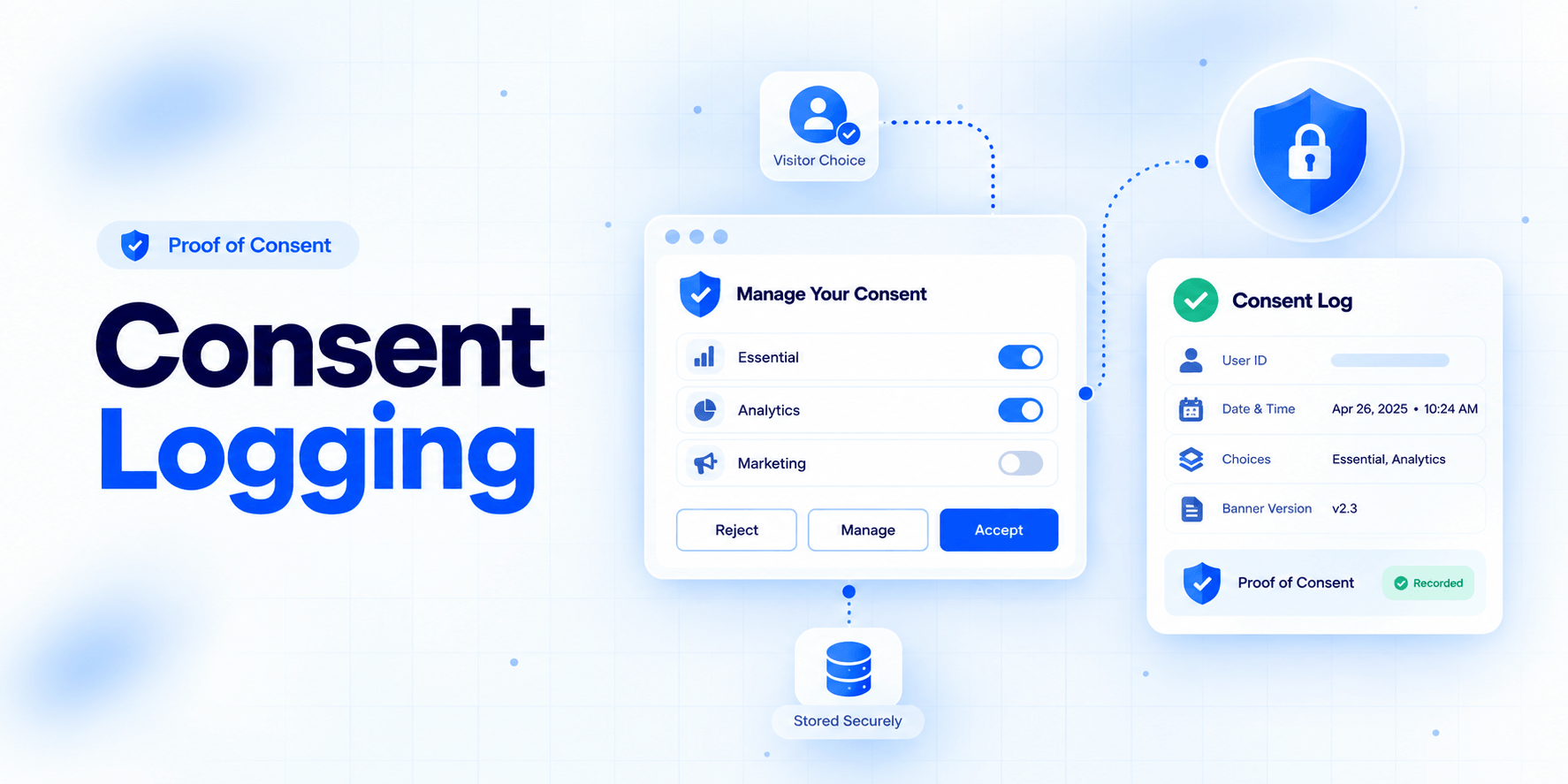
Consent logging provides a record of these decisions. Similar to a receipt that proves a purchase, a consent record can provide evidence of a user's consent, the purpose for which it was given, the time it was given, and the options presented to the user.
Consent logging can help businesses maintain organized records of consent choices and respond to complaints, audits, or requests for evidence.
A cookie banner asks the user for a decision. Consent logging records that decision.
What Are the 5 Components of Consent?
Before collecting consent, users should have enough information to make an informed and voluntary decision.
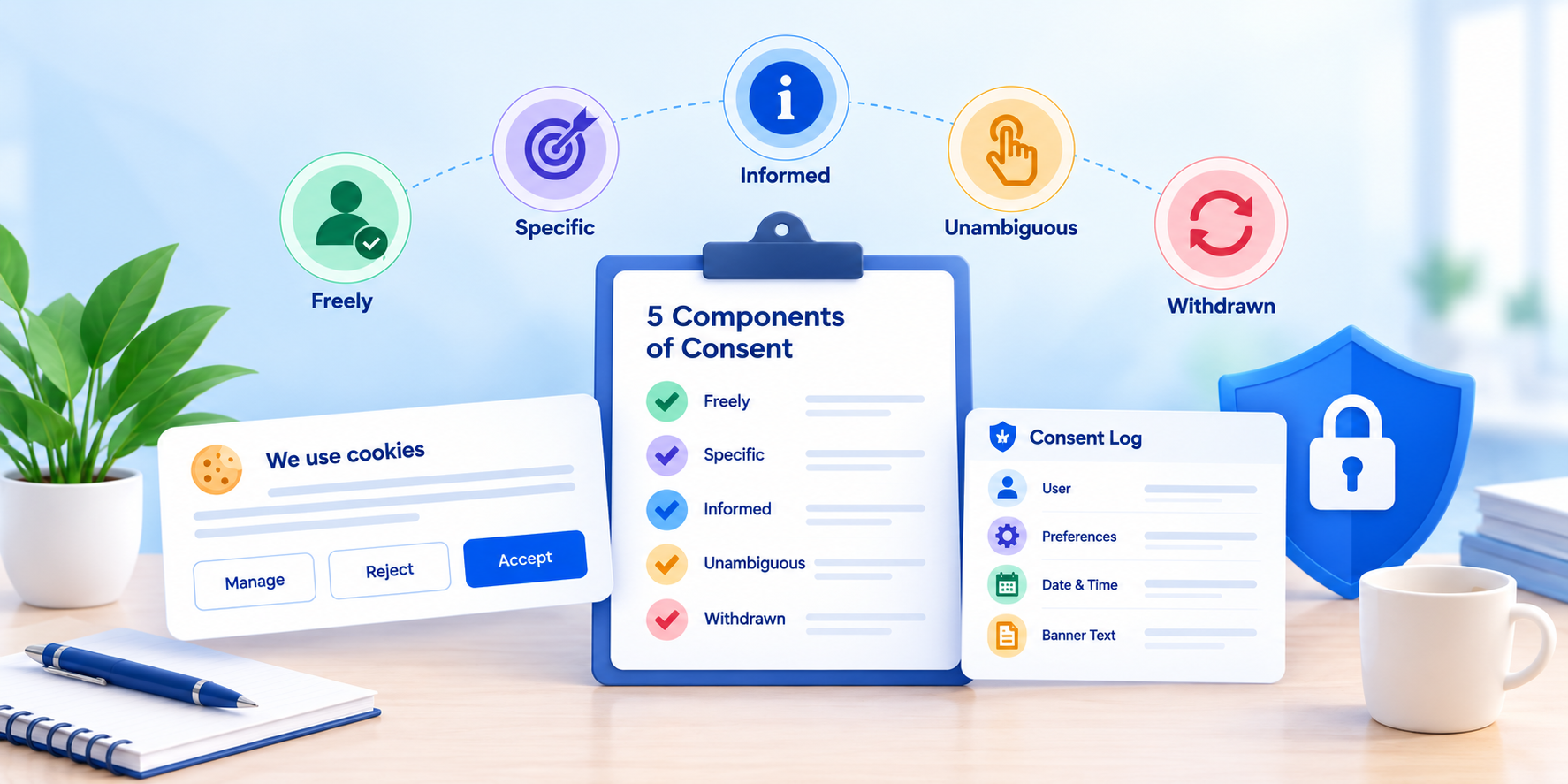
Freely Given
Users should be able to make a choice without pressure. They should not be forced to accept non-essential cookies or tracking.
Specific
Consent should relate to specific purposes. Different purposes may include analytics, personalization, or targeted advertising.
Informed
Users should receive the information they need to understand what they are agreeing to. This can include information about the data being collected, third parties involved, the purpose of processing, and applicable retention information.
Unambiguous
Consent should result from a clear affirmative action by the user. Passive acceptance should not be treated as an intentional consent choice.
Withdrawable
Users should be able to withdraw or change their consent. The process for changing consent should be easy to access, and subsequent changes should be recorded.
Each element can be supported through appropriate consent records, including the banner information shown to the user, their selected preferences, and subsequent changes.
What Do Consent Logs Record?
A consent log is a collection of timestamped records describing a user's consent choices.
A useful consent record can contain more information than simply "yes" or "no".
| Data Point | What It Shows | Why It Helps |
|---|---|---|
| Anonymous User ID | Links the record to a visitor or browser | Helps locate the relevant record |
| Date and Time | Shows when the consent decision was made | Helps demonstrate when the choice occurred |
| Choices Made | Shows which cookie categories were accepted or rejected | Helps demonstrate that consent was specific |
| Banner Version and Text | Shows what the visitor actually saw | Helps demonstrate what information was presented |
| Page or Site URL | Shows where consent was provided | Useful across multiple websites or pages |
| Language and Region | Shows which notice and regional rules applied | Helps support region-specific requirements |
| Action Taken | Accept all, reject all, or custom choice | Helps demonstrate an active choice |
| Changes or Withdrawal | Shows later changes to the user's preference | Demonstrates that users can change their decision |
Consent records should be stored securely and should avoid unnecessary personal information.
Where IP information is collected, appropriate measures such as hashing or shortening may help reduce unnecessary exposure of location information.
Consent records should also be searchable so relevant records can be retrieved efficiently when needed.
Are Consent Logs Legally Required?
Most privacy laws do not necessarily state that every organization must maintain a document specifically called a "consent log."
However, privacy laws may require organizations to demonstrate that valid consent was obtained when consent is the legal basis for processing.
Maintaining a consent log is one practical way to provide that evidence.
A consent record can help show:
- When consent was given
- What the user selected
- What information was presented
- Which banner version was displayed
- Whether consent was later withdrawn or changed
A screenshot of a cookie banner alone may not provide the same level of evidence as a structured consent record.
Do Privacy Laws Cover Consent Logs?
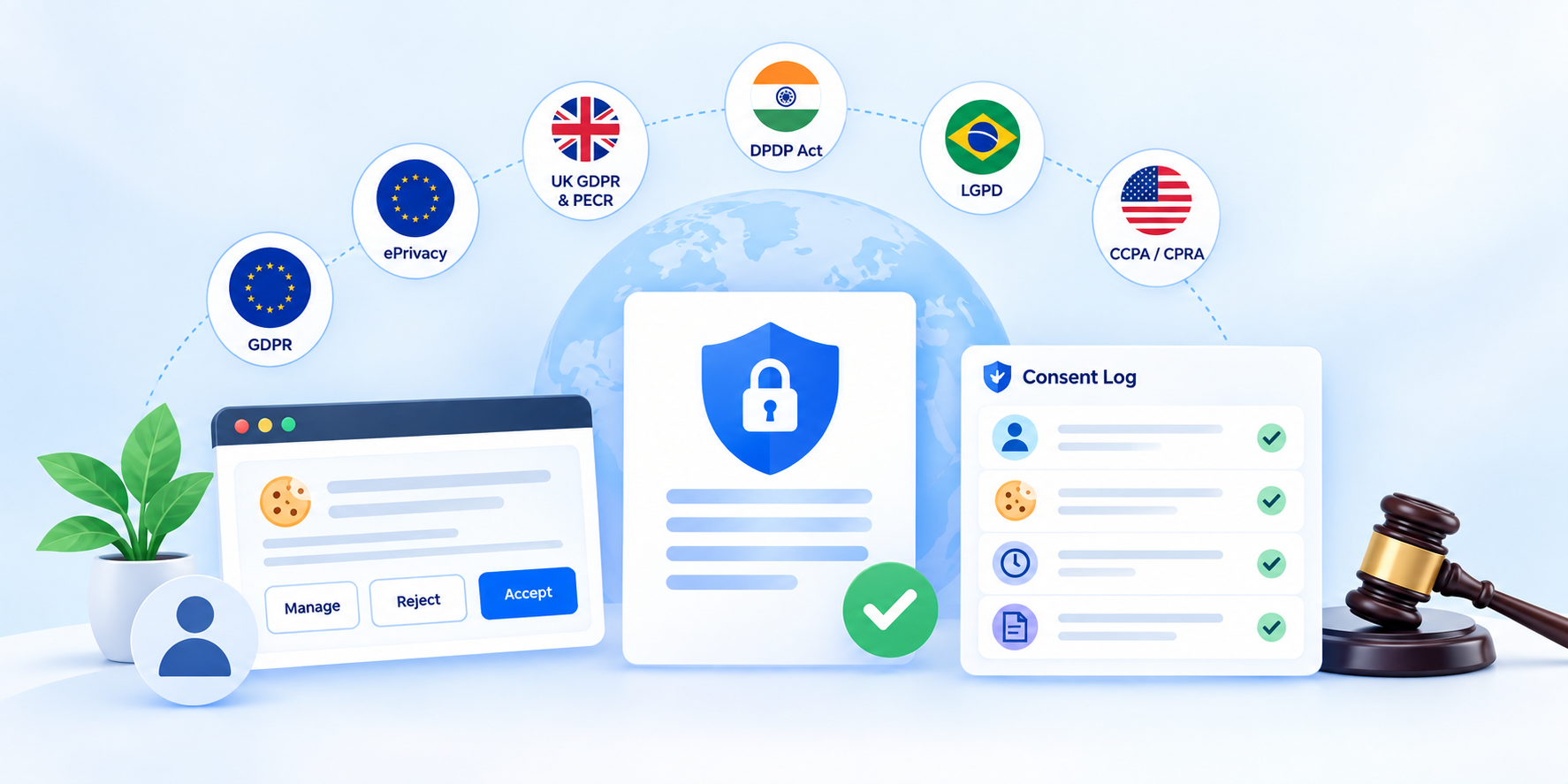
Different privacy frameworks address consent and the ability to demonstrate or respect user choices in different ways.
| Law | Region | Relevance to Consent Records |
|---|---|---|
| GDPR | EU and EEA | Article 7 addresses the demonstration of consent, and withdrawal should be as easy as giving consent. |
| ePrivacy Directive | EU | Non-essential cookies and trackers generally require appropriate consent before they are placed or activated. |
| UK GDPR and PECR | United Kingdom | Valid consent and evidence of consent are relevant to cookie and tracking compliance. |
| DPDP Act, 2023 | India | The framework addresses notice and valid consent, and organizations may need to demonstrate the relevant consent. |
| LGPD | Brazil | Organizations may need to demonstrate that consent was obtained where consent is relied upon. |
| CCPA and CPRA | California, USA | The framework includes consumer choice and opt-out rights, making records of relevant consumer requests and choices important. |
Cookie Blocking and Consent Logging
Cookie blocking and consent logging address two different parts of the consent process.
Cookie blocking helps prevent non-essential cookies and trackers from being placed or activated before the appropriate consent is obtained.
Consent logging records the user's decision.
User visits website
Consent banner appears
User chooses Accept / Reject / Manage
Non-essential tracking is handled according to the choice
Consent decision is recorded
User can later change or withdraw consent
The change is recorded
Cookie blocking and consent logging therefore work together.
Blocking without logging may make it difficult to demonstrate what the user selected.
Logging without proper blocking may not prevent non-essential tracking from occurring before consent.
How Do You Create and Maintain Legally Compliant Consent Logs?
1. Identify Cookies, Pixels and Trackers
Collect information about the cookies, pixels, trackers, and other technologies used on the website.
2. Classify Cookies
Separate cookies into appropriate categories such as:
- Necessary
- Analytics
- Marketing
- Other relevant categories
Explain what each category is used for.
3. Create a User-Friendly Consent Banner
The consent banner should provide understandable choices.
Accept and Reject options should be presented fairly, without manipulative design intended to push users toward one particular choice.
4. Prevent Non-Essential Cookies Before Consent
Non-essential cookies and trackers should not be activated before the required consent is obtained.
5. Automatically Record Consent Events
Record relevant information such as:
- Date and time
- Consent choice
- Banner version
- Region
- Language
- Page/site
- Subsequent changes
6. Secure Consent Records
Restrict access to authorized personnel and apply appropriate security controls.
7. Define Retention Rules
Establish an appropriate retention period for consent records and remove records when they are no longer necessary according to applicable requirements and policies.
8. Allow Users to Change Their Decisions
Users should be able to find the consent management interface and change their preferences.
All changes should be recorded.
9. Regularly Check the Consent System
After website changes, new trackers, banner updates, or other implementation changes, verify that:
- The banner works correctly
- Cookies are categorized correctly
- Blocking works correctly
- Consent decisions are recorded
- Withdrawal works correctly
Manual spreadsheets can make this process difficult and error-prone. A CMP can automate parts of cookie scanning, blocking, consent collection, and logging.
How to Choose a Consent Logging Tool
When evaluating a consent logging solution, consider:
- Automatic logging of user preferences
- Detailed timestamps
- Consent choices
- Banner version and information shown to users
- Cookie blocking before consent
- Support for multiple privacy laws and regions
- Easy export of consent records
- Security controls
- Data retention controls
- Ease of implementation
- Documentation and support
Before selecting a tool, test it on a suitable demo or test domain.
Test:
- Accept
- Reject
- Custom preferences
- Withdrawal
- Preference changes
Then verify that each action is recorded correctly.
Comparison of CMP Solutions and Consent Logging Features
| Feature | Basic Banner Plugin | Standard CMP | Advanced CMP |
|---|---|---|---|
| Cookie Banner | Yes | Yes | Yes, with custom design and languages |
| Automatic Cookie Scanning | Limited or none | Yes | Yes, with regular re-scans |
| Cookie Blocking Before Consent | Often manual | Yes | Yes, automatic |
| Cookie Logging Depth | Basic yes/no | Time and choice | Detailed information including time, choices, banner version and region |
| Withdrawal and Updates Logged | Rarely | Sometimes | Yes |
| Multi-Law Support | Usually focused on one law | A few laws | Multiple laws, including GDPR and DPDP |
| Audit-Ready Export | No | Basic | Yes, with easy reports |
| Best For | Small hobby sites | Small business sites | Growing and regulated businesses |
How ConsentX Can Help
ConsentX can help businesses maintain organized consent records and manage consent-related processes.
Relevant capabilities include:
- Consent management
- Consent logging
- Cookie blocking
- Detailed consent records
- Recording consent choices
- Tracking changes and withdrawal
- Support for multiple privacy requirements
- Exporting consent information
Want to make consent logging easier? Explore ConsentX to learn how consent management and consent logging can support your privacy workflow.
Conclusion
Consent is an important part of the relationship between a website and its users.
Consent logging helps organizations maintain records of consent decisions and demonstrate what users selected, when they made their choice, and whether their preferences were later changed or withdrawn.
A consent record contains much more information than a simple yes/no decision.
A complete consent management approach should consider both cookie blocking and consent logging.
Cookie blocking helps prevent non-essential tracking before the appropriate consent is obtained, while consent logging provides a record of the user's decision.
Organizations should regularly review their consent systems, keep records secure, allow users to change their preferences, and ensure that their implementation continues to work when the website or applicable requirements change.